3️⃣ Navigation
Application navigation is done through Shopify admin dashboard, as Léon is fully integrate in it.
Access to applicationDirect link to Access to application
-
Head back to your Shopify admin dashboard:
-
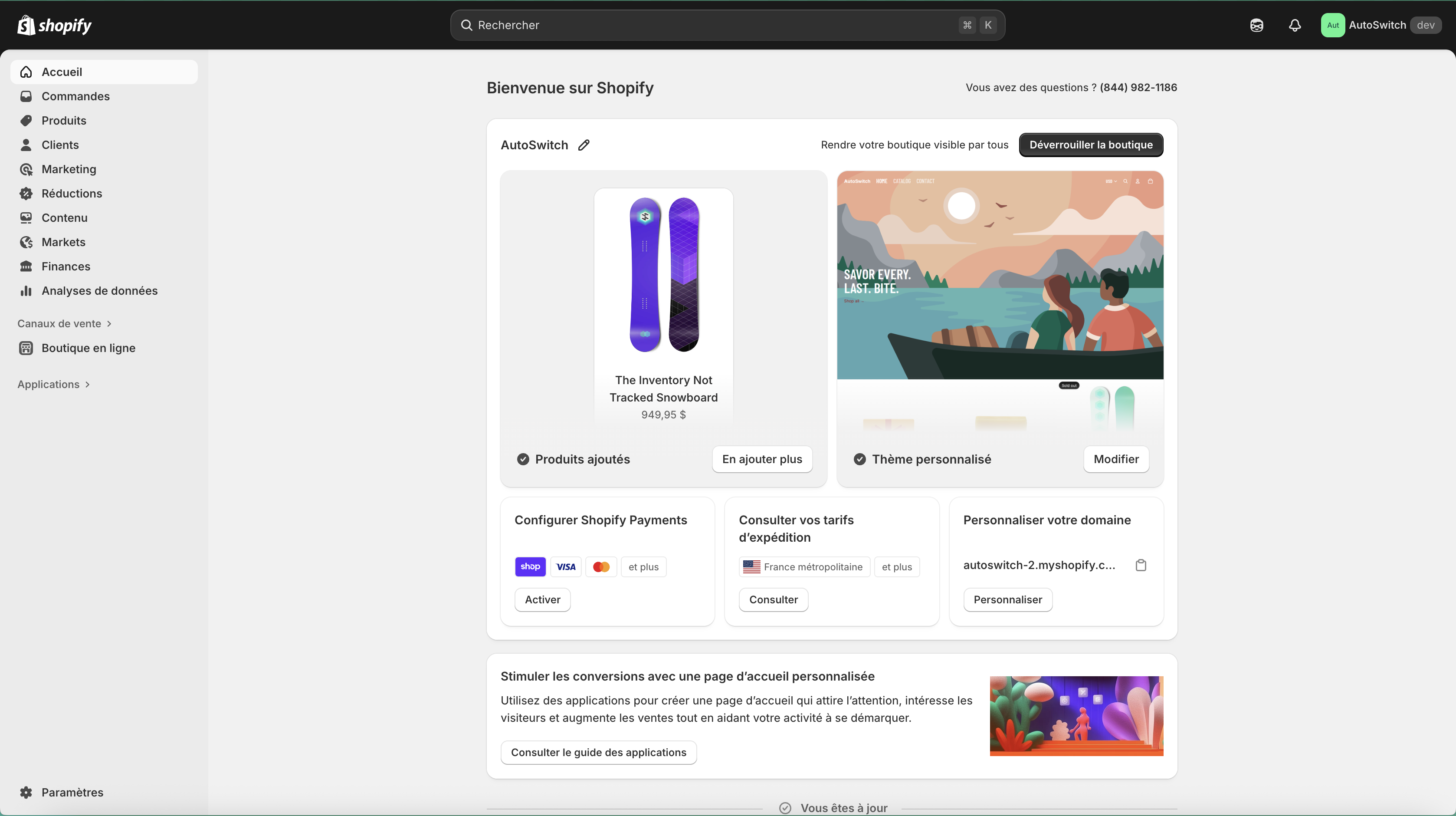
Click on Applications in left side menu:
-
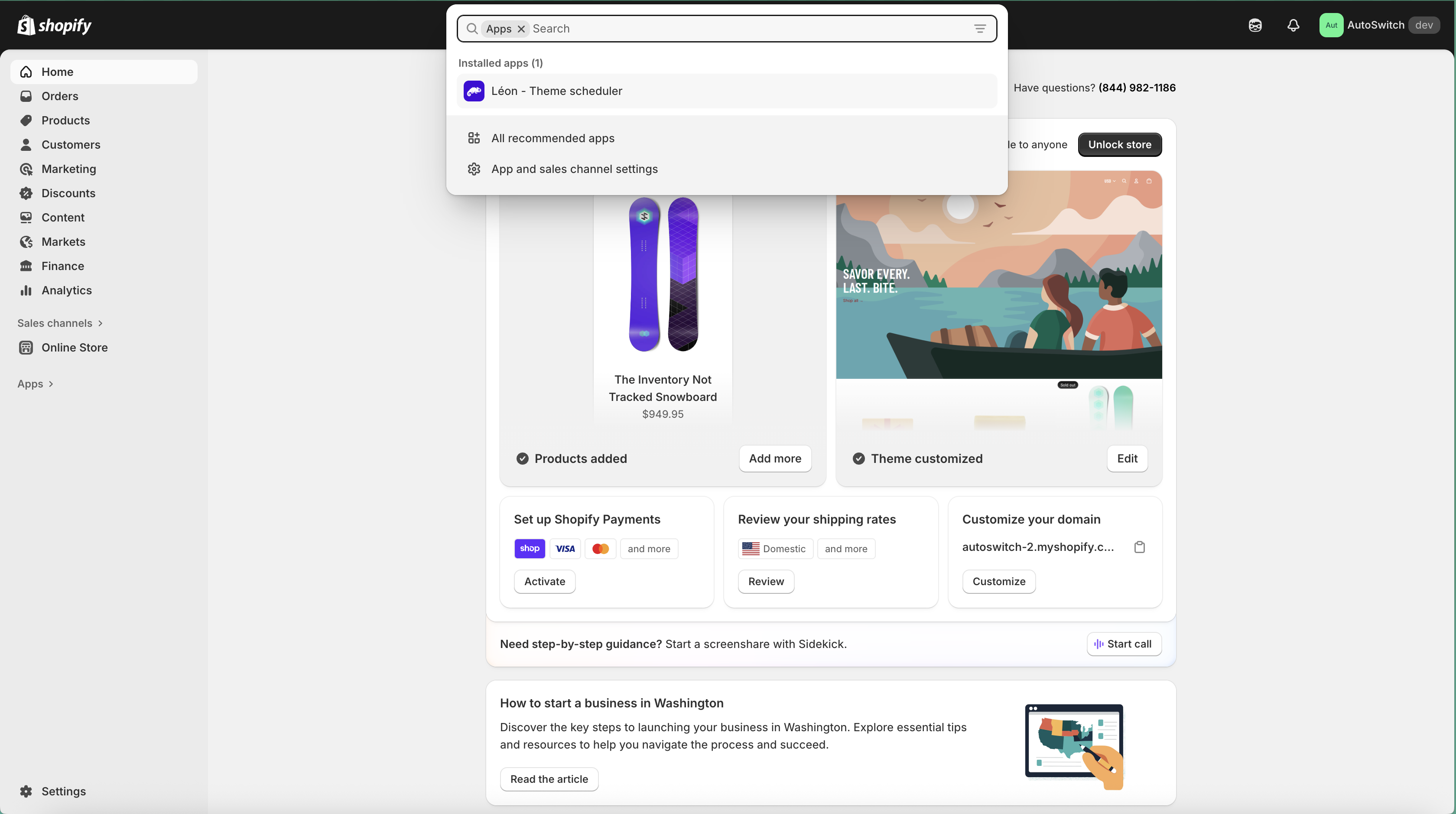
A modal should be opened at the top of the window:
-
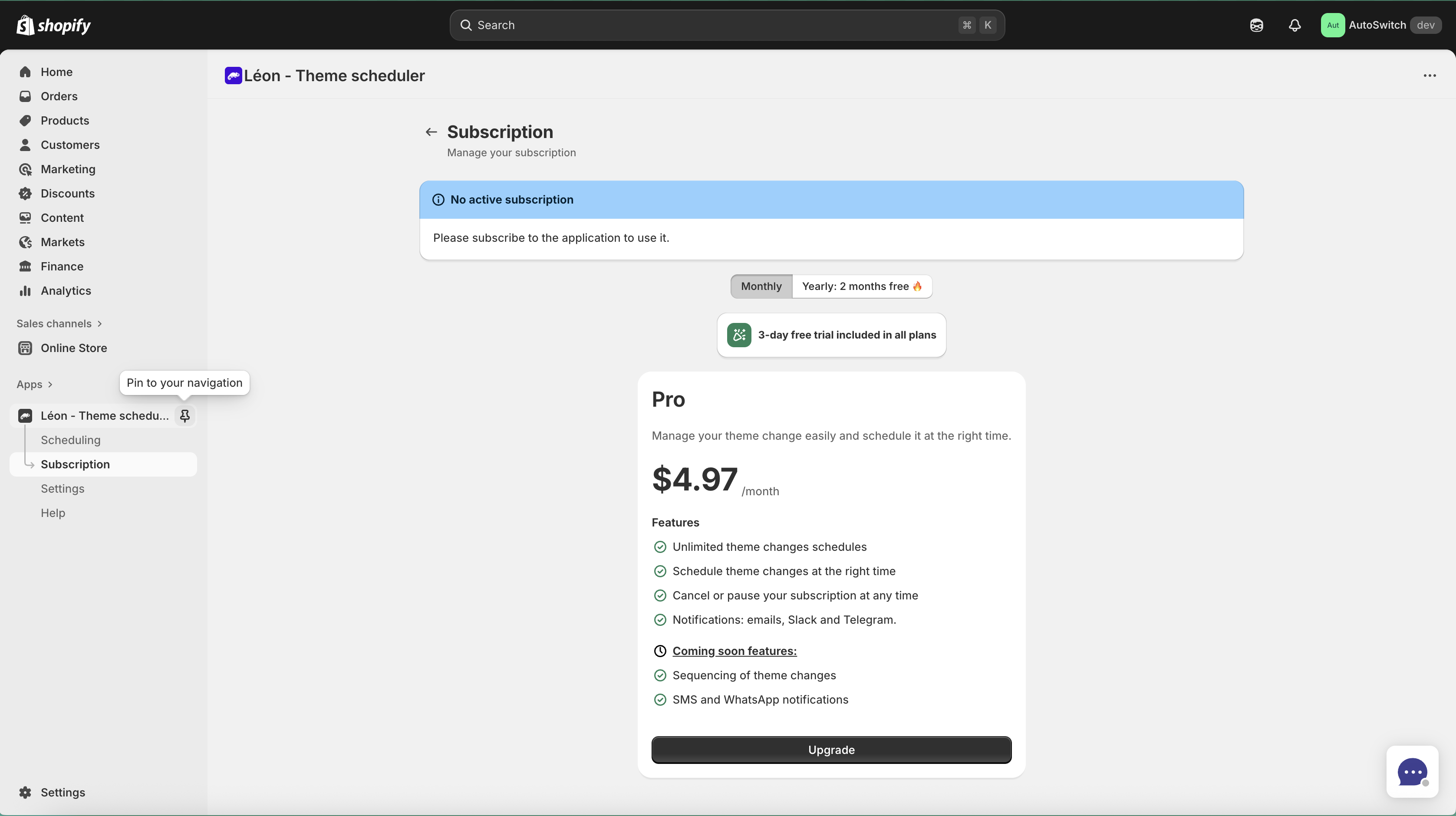
Click on Léon - Theme scheduler:
 tip
tipA this point you should see Leon's app menu, and a pin icon. with tooltip "Pin to your navigation" This is optional but we recommand you to pin the app. So you always can get back to it quickly.
Menu item explanationsDirect link to Menu item explanations
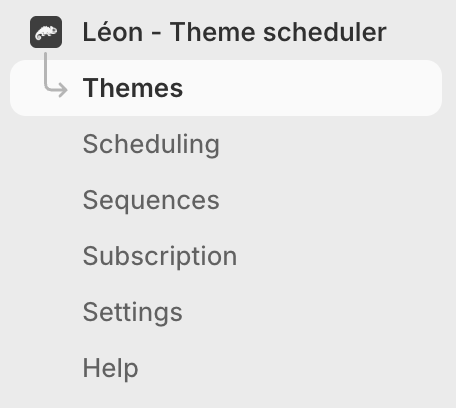
This is where magic happens 🪄. Application navigation is made through this menu.
 .
.
Léon - Theme schedulerDirect link to Léon - Theme scheduler

This is app home page.
See Home for more informations.
Yes, even if this is the app name, you can click on it.
ThemesDirect link to Themes

See Themes for more informations.
SchedulingDirect link to Scheduling
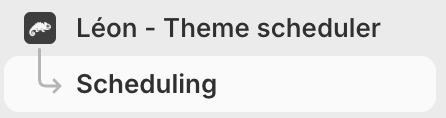
See Schedulings for more informations.
SettingsDirect link to Settings
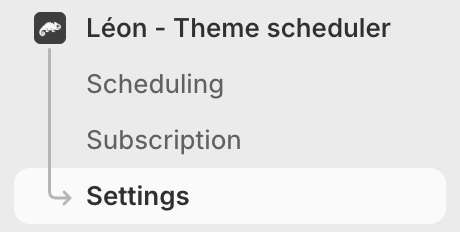
See Settings for more informations.
SubscriptionDirect link to Subscription
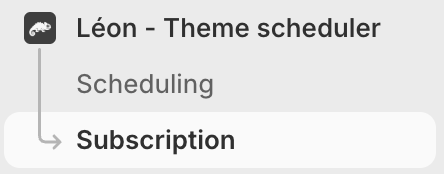
See Subscription for more informations.